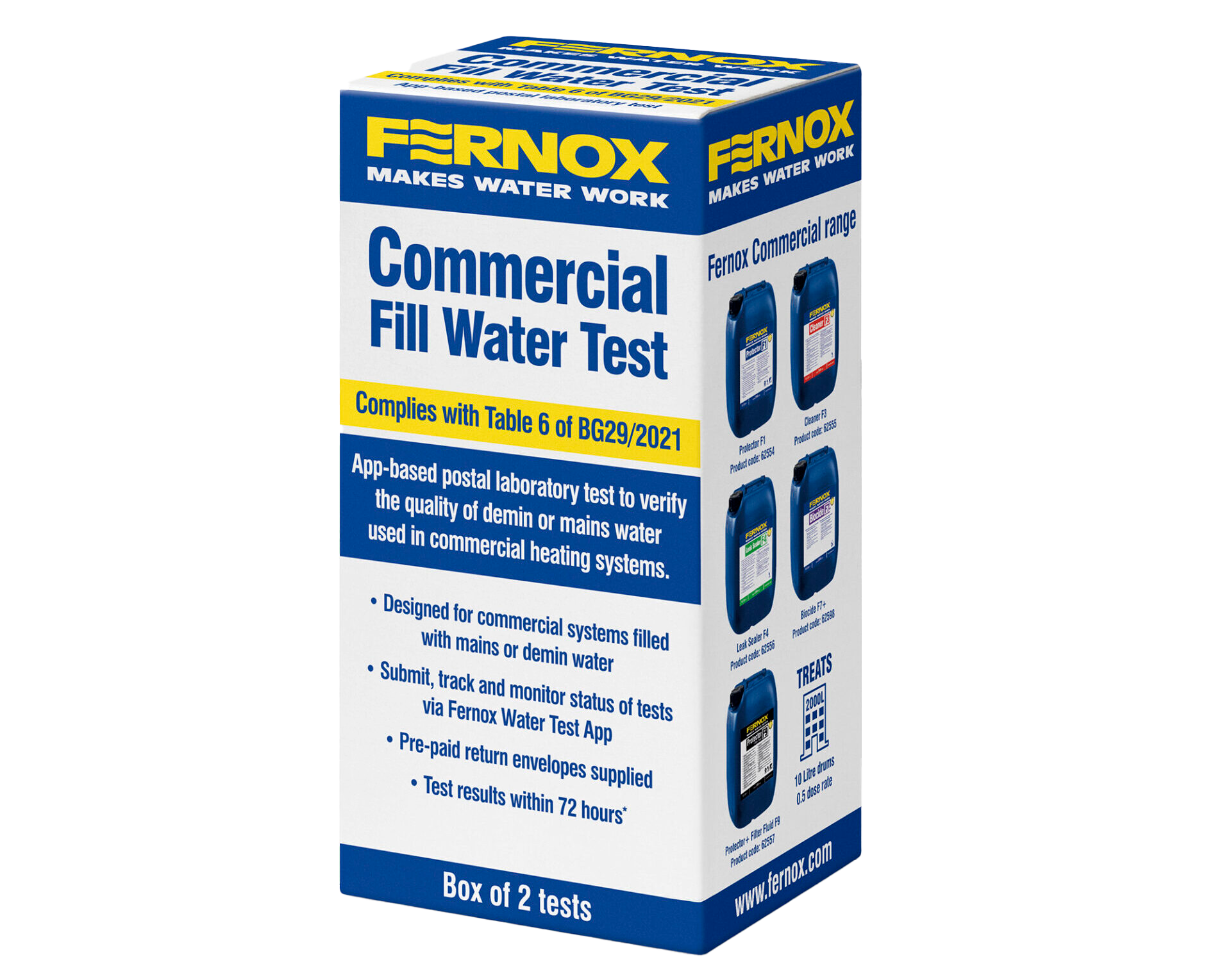
The CommercialFill Water Test is a paperless, smart phone driven, postal laboratory service designed for commissioning monitoring, and maintaining commercial heating systems.
Once the sample has completed laboratory testing, the system will generate a PDF certificate which will be automatically sent to the user that submitted the sample in the mobile application. All the submissions will be stored in your account, so you can access them whenever you want from the mobile application and web portal.
After downloading the App and completing registration, you can start adding a ‘New Commercial Fill Water Test’.
1
2
1. Open the app and from the dashboard click on the Scan Icon button
2. On the text selection pop-up, select New Postal Test
Use your smartphone camera to scan the QR code. The QR code matches the unique kit reference which is required to process your water sample.
1
2
3
4
5
1. Kit Reference: This code is automatically generated and imported
2. Customer Reference: Enter your own reference against this unique test for reporting purposes.
3. Project Reference: This field allows you to enter your own reference.
4. Address*: Select ‘address finder’, enter the property postcode, then select the address from the dropdown which will automatically populate the other address fields OR choose from Saved addresses
5. Company Name: This field allows you to enter the company name
1
2
3
1. System Type: Specify the system being tested.
3. System Age: Select one of the following: 0 – 2 years, 2 – 10 years, Over 10 years.
4. Inhibitor Protector Used: Select the inhibitor used from the dropdown, search for it in the search box, or manually enter a new one if a match is unavailable.
1
2
3
1. Sample Label: Type the location where the sample was taken from (e.g., specific part of the system), to help match the sample to the source on commercial systems.
2.Heat Appliance Sample: Select this option if the sample was taken from a boiler. If selected, you can enter the appliance details. This field is optional, so you may leave it unselected if the sample was not taken from a heat appliance.
3. When all fields are complete, you can click on ‘Submit’ which will complete the process of adding a new sample.