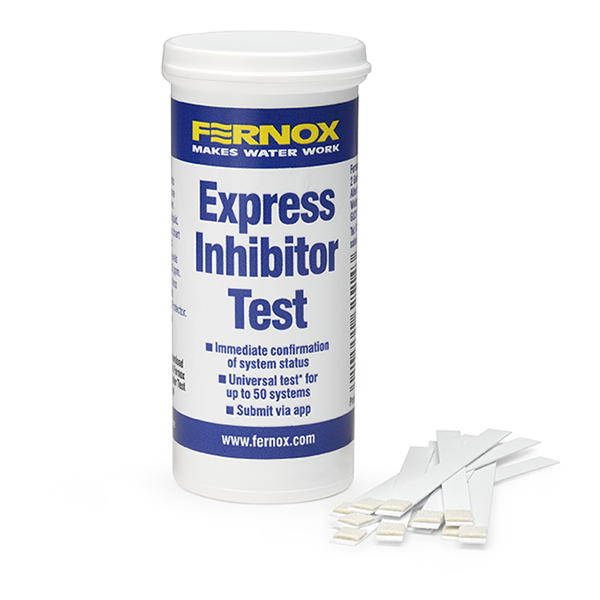
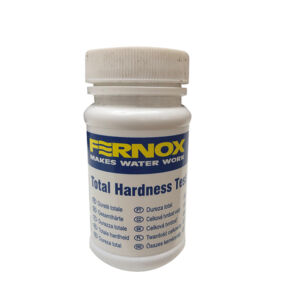
The Express Inhibitor Test provides a rapid on-site analysis of the concentration of all Fernox Protectors, and other molybdate based inhibitors, in central heating system water. Easy and intuitive to use, it is a quick and simple testing method to establish the presence of inhibitor within the system. Testing the concentration of inhibitor allows compliance with BS 7593:2019, the Benchmark scheme, and may be required for compliance with boiler warranties.
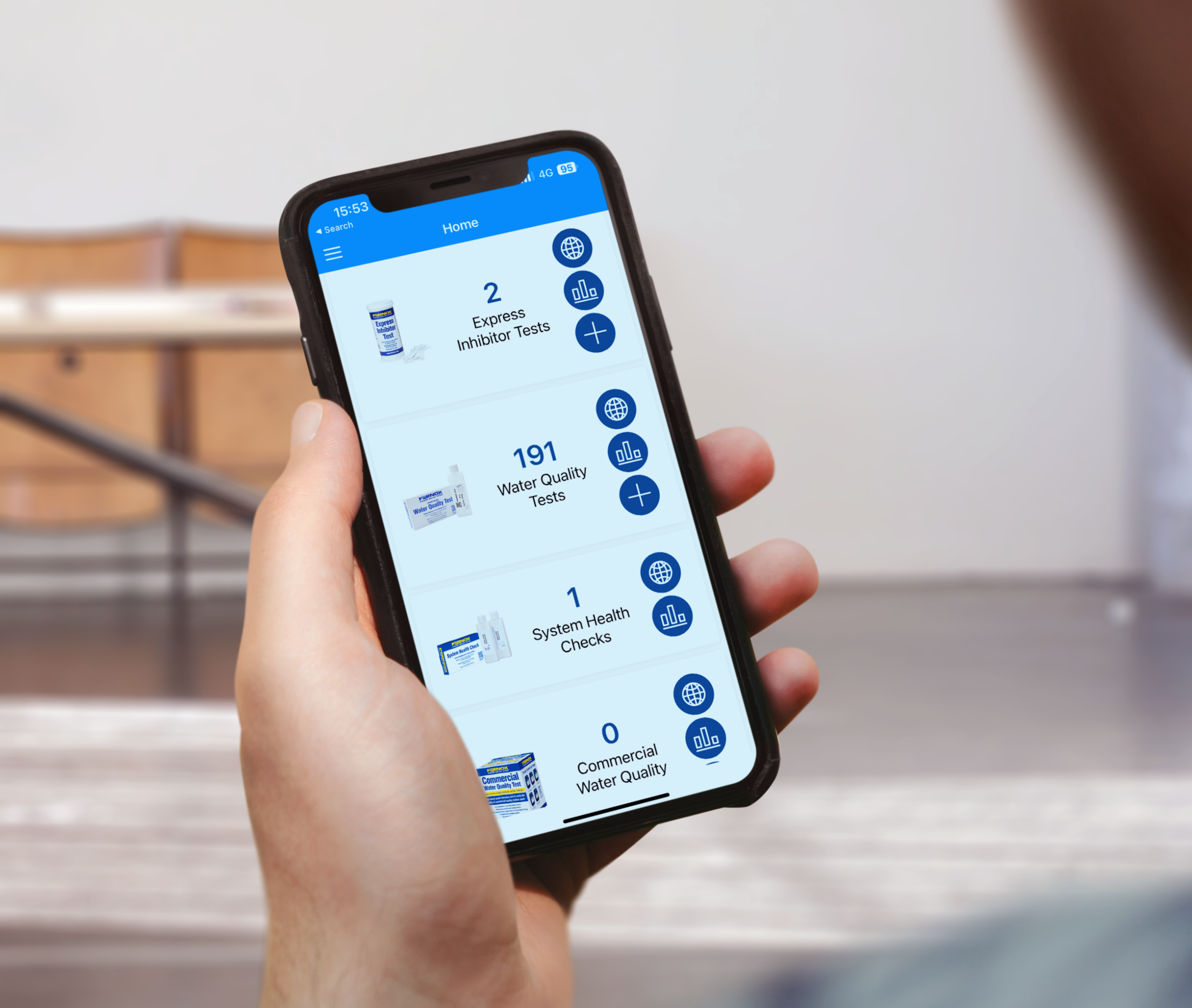
When used in conjunction with the Fernox Water Test App, which is free to download from the Apple App Store or Google Play Store, this single usage, on-site heating system test can be saved within the App and a lab-style report certificate is available to download. A pass or a fail is confirmed based on the colour of the test strips compared against the colour chart on the pot. In the event of fail result, corrective action can be taken immediately by simply adding more inhibitor and retesting to receive the pass certificate – saves time as there is no need for return visits to site.
Quick and simple on-site testing of inhibitor concentration
One test strip per system. Each pot contains 50 test strips.
Suitable for testing all molybdate-based inhibitors
Download Fernox Water Test App for lab-style report certificate
Allows compliance with BS 7593:2019 and the Benchmark scheme
BS 7593:2019 recommends that the inhibitor should either be re-dosed at 5-year intervals or, a more comprehensive laboratory test is conducted every five years to provide a more in-depth analysis, and where needed, establish targeted action to resolve issues and restore system efficiency. The Fernox Water Quality Test includes everything needed to take a sample of the system water and send it off to the Fernox laboratory for full analysis.
Yes! the Express Inhibitor Test is a universal test that will check for the presence of all molybdate based inhibitors within the system water.
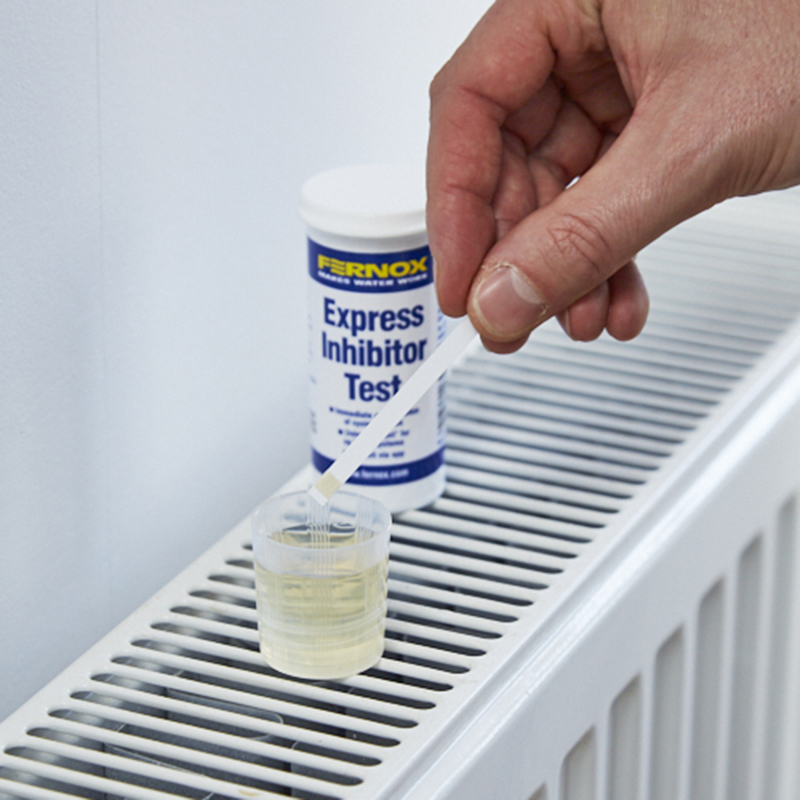
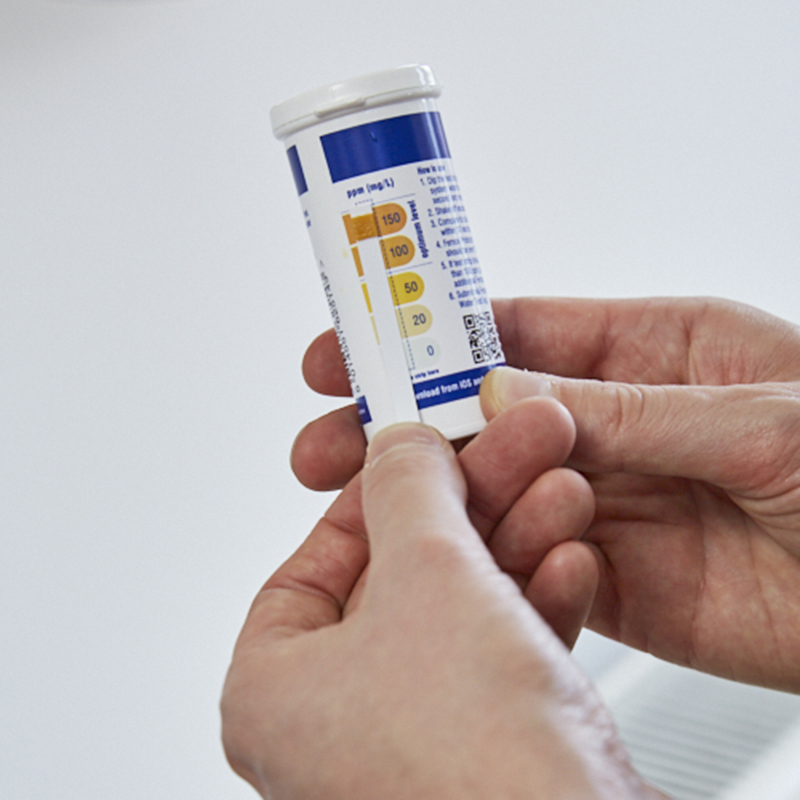
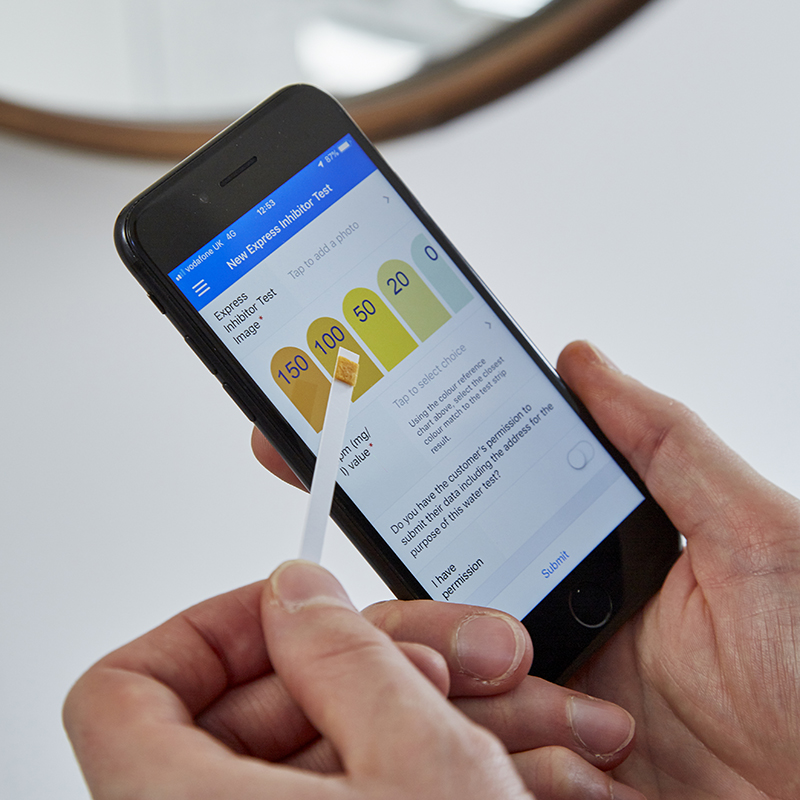
Simply dip the test strip into the system water and it will instantly change colour. By comparing the test strip to the colour chart label on the bottle, installers can assess whether the system water includes the correct concentration of inhibitor. A fully protected system will have inhibitor levels of 100ppm or above – and will pass the test. However, if the test fails and a result of less than 100ppm is received, the system should be re-dosed.
It is an easy to use dip strip that tests central heating systems for the correct concentration of inhibitor, to ensure that the system is fully protected and sludge and debris is prevented from forming and building up.
A core requirement under BS 7593:2019 is that central heating systems are tested annually, to help maintain system health and to identify and rectify any issues before they cause damage to the system. The Benchmark Commissioning Checklist further supports this practice to evidence the correct servicing and installation of boilers. The onsite Express Inhibitor Test makes compliance with these industry standards easy.
The results are instant!
If the dip test shows less than 100ppm, installers can immediately resolve the issue by adding a high-quality inhibitor such as Fernox Protector F1 or where a filter is fitted, Protector+ Filter Fluid. The test can be re-taken once the inhibitor has circulated to confirm the level has been met.
With the initial dose, its key to make sure the system water is circulated properly so that the inhibitor is sufficiently mixed. Fernox recommend that you let the system circulate for at least 15 minutes. Also having the system on hot will help speed this up.
It's easy to keep track of test results with the free to download Fernox Water Test App, which installers can use to manage and evidence each test. Using the in-app camera, users take a picture of the test strip and select its colour to generate the pass or fail result. Using this process will auto-generate a PDF certificate with the result to your email address and this acts as evidence that the test has been completed and the system is fully protected. For ease, all of your submissions will be stored in your account for you to view and export on demand. If a test fails, installers can also demonstrate that action has been taken and the system subsequently re-tested to receive a positive result.
Fernox Product Catalogue
Product Code
62514
Product Instructions
Application
1. Scan QR code on the test strip vial, download Fernox Water Test App and register
2. Add new sample on the App
3. Fill out system details (address, age of system etc.)
4. Take a sample of system water which is representative of the system as a whole (drain the water for several seconds before taking the sample)
5. Dip the test strip into the system water for 1 second and remove
6. Compare to colour chart within 10 seconds and take a picture
7. Select the colour which most accurately represents the colour observed on the test strip and submit. The sample is now saved on the app, the pass/fail is determined and a report is generated and emailed.